
shopping
Best Barcode Scanner for Healthy Eating: How to Choose & Use One
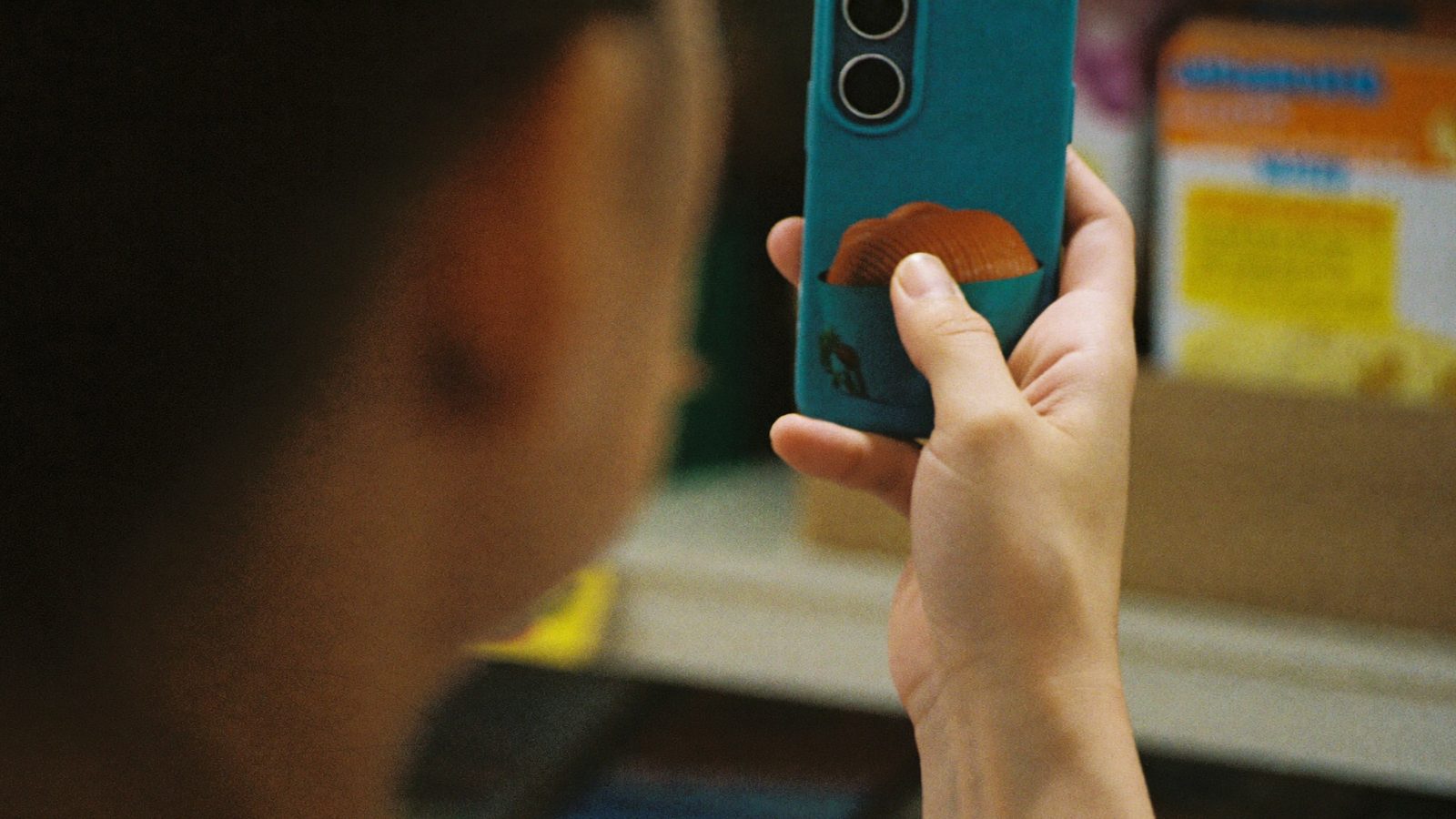
The best barcode scanner for healthy eating is one that is independent (brands can't pay for better scores), uses an evidence-based methodology, covers food plus cosmetics and supplements, and offers swap suggestions. Scan a product's barcode, check its score, and review any flagged ingredients before buying.
Key takeaways
- A barcode scanner pulls product data and turns it into a score or flag system, unlike raw databases that only list ingredients.
- Independence matters: check whether brands can pay to influence a score before trusting an app.
- A 0–100 score is a starting point for comparison, not a medical verdict on a single product.
- Hazard and risk are different — an ingredient's presence doesn't automatically make a product a problem; dose and frequency matter.
- Scanners depend on manufacturer-submitted or database data, which can be incomplete, outdated, or missing for some products.
In this article
What a Barcode Scanner for Healthy Eating Actually Does
A barcode scanner for healthy eating reads the barcode on a packaged product, pulls data about that item from a database, and turns it into something quick to understand — usually a score, grade, or set of flags.
Two different tools often get lumped together under "scanner apps." Raw databases, such as Open Food Facts, store ingredient lists and nutrition facts contributed by users and manufacturers, but they don't judge the product for you. Scored apps take that same raw data and run it through a methodology to produce a rating, like a 0–100 health score.
The data feeding these apps typically includes nutrition facts panels, full ingredient lists, and additive databases that classify preservatives, colors, and sweeteners. The output is only as good as the underlying data — worth remembering before treating any single score as final.
What to Look for in a Healthy Eating Scanner App
Not all scanner apps are built the same way. A few questions help separate genuinely useful tools from marketing.
- Independence: Can a brand pay to improve its own score? If so, the rating reflects business relationships, not just the product.
- Methodology: Does the app explain how it weighs nutrients, additives, and processing, or does it just slap a red flag on any ingredient with a scary-sounding name?
- Coverage: Some apps only handle food. Others also cover cosmetics and supplements, which is useful if you're comparing a full shopping cart rather than one aisle.
- Swap suggestions: A good app doesn't just tell you a product scores low — it points you toward a better-rated alternative on the same shelf.
Look for a published methodology page you can actually read, not just a general claim of being "health-focused."
How ScanVeer Scores Food Products
ScanVeer generates a 0–100 health score for any scanned barcode by weighing factors such as nutrient content, additive presence, and level of processing, using a methodology detailed at scanveer.com/how-we-score. A higher number generally reflects a more favorable nutritional profile; a lower number flags more factors worth reviewing before you buy.
ScanVeer is 100% independent — no brand can pay to raise its own score, and no manufacturer sees or edits the methodology before a product is scored. That separation is the core reason the score is meant to be trusted as a comparison tool rather than an advertisement.
Unlike single-category apps, ScanVeer covers food, cosmetics, and supplements in one place, so you can compare a granola bar, a moisturizer, and a multivitamin using the same consistent scoring logic.
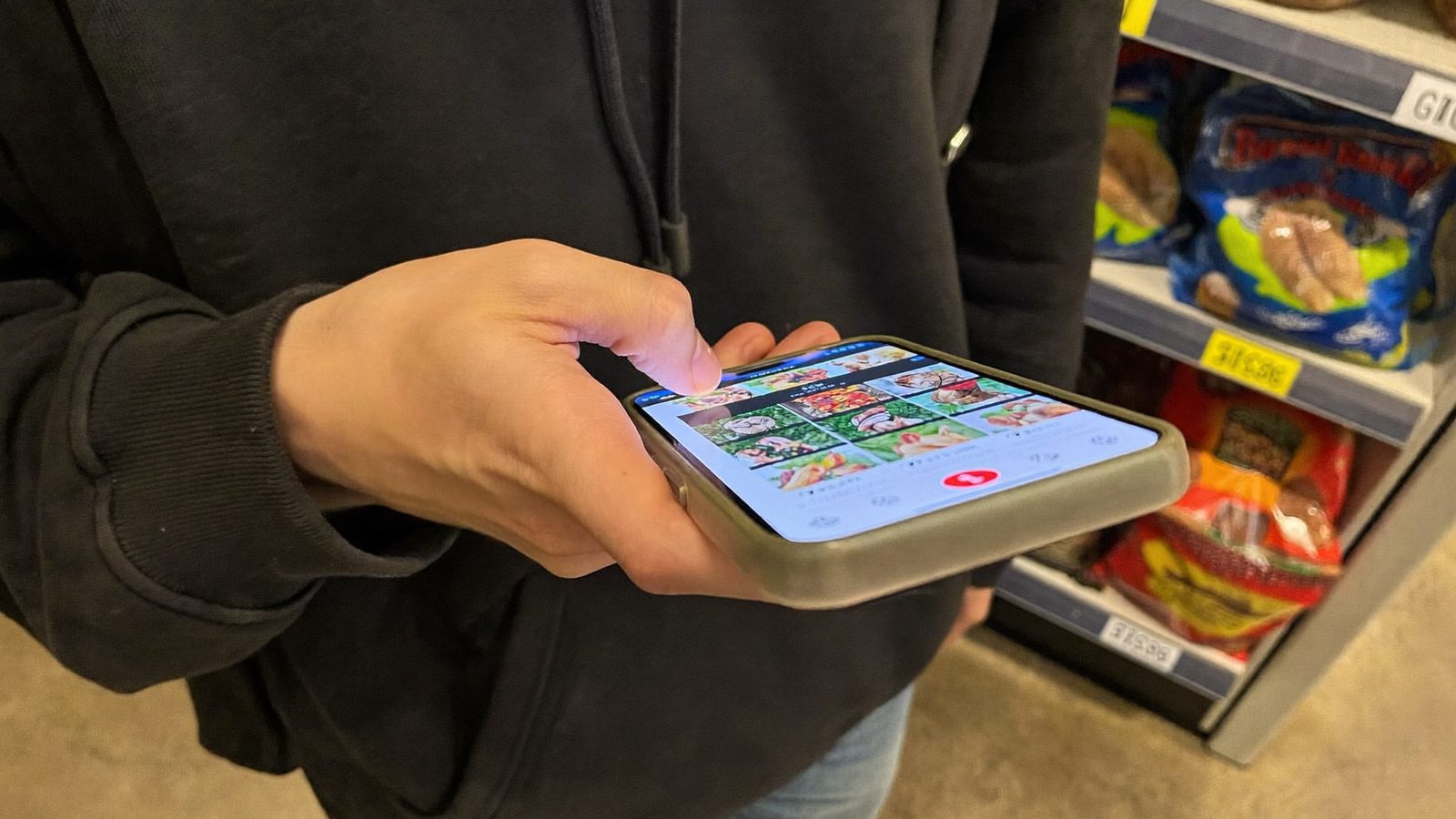
How to Use a Barcode Scanner While Grocery Shopping
A scanner is most useful when you build it into your normal shopping routine rather than treating it as an afterthought.
- Scan the barcode before you put the item in your cart, not after you get home.
- Check the overall score first — it's a fast way to sort products before reading further.
- Review any flagged ingredients the app highlights, and tap through for detail if you want context.
- If the score is mid-range, don't panic or dismiss it — mid-range often just means a mix of favorable and less-favorable factors, not a clear-cut verdict.
- Use swap suggestions to compare the scanned product against a better-rated option on the same shelf.
For a deeper look at one common label trick, see our guide to hidden sugar names in ingredients.

Common Ingredients and Additives These Scanners Flag
Scanner apps commonly flag a handful of ingredient categories, but flagging isn't the same as a verdict — it just tells you the ingredient is present so you can decide whether it matters for your own diet.
Seed oils are vegetable oils extracted from seeds (like sunflower, canola, or soybean) and are common in packaged foods. Our seed oils explainer covers what's actually established versus emerging.
Hidden sugars appear under dozens of names — cane juice, dextrose, maltose — that don't always say "sugar" plainly on the label.
The general rule worth remembering: hazard is not risk. An ingredient's presence in a product doesn't automatically make that product a problem — how much of it you eat, and how often, is what actually determines risk.
Limitations of Barcode Scanners for Healthy Eating
Scanner apps are useful, but they aren't perfect, and it helps to know their limits before relying on one entirely.
First, scanners depend on manufacturer-submitted or crowdsourced database data. If a product is new, reformulated, or from a small brand, its listing may be incomplete or out of date.
Second, a health score is a starting point for comparison shopping, not a substitute for advice from a doctor or registered dietitian — especially if you're managing a medical condition, allergy, or specific dietary need.
Third, packaged food scores only cover items with a barcode. Fresh produce, meat from the butcher counter, and bulk-bin items generally won't show up in a scan, so a scanner is one tool among several, not the whole picture of a healthy grocery trip.
Scan before you buy
Download ScanVeer free to scan any food barcode and get an independent 0–100 health score with better-rated swap suggestions — for food, cosmetics, and supplements alike.
Get ScanVeer FreeFrequently asked questions
What is the best barcode scanner app for healthy eating?
The best option is independent (brands can't pay for scores), publishes its methodology, and covers more than just basic nutrition facts. ScanVeer scores food, cosmetics, and supplements on a 0–100 scale with swap suggestions, and its full methodology is published at scanveer.com/how-we-score.
How do barcode scanner apps calculate a health score?
Methodologies vary, but most weigh nutrient content, ingredient and additive presence, and processing level against a scoring model. Reputable apps publish this methodology publicly so you can see exactly what's being weighed rather than trusting a black-box number.
Are barcode scanning apps for food actually accurate?
Accuracy depends on the underlying database. If a product's barcode isn't yet in the database, or the listing is outdated, the score may be incomplete. Choosing an app with an actively maintained database and a transparent methodology reduces this risk.
Can food brands pay to improve their score on these apps?
On some platforms, yes — which undermines trust in the rating. ScanVeer is built to be 100% independent: no brand can pay to raise its own score, and manufacturers have no role in the scoring methodology.
Is there a barcode scanner that covers food, cosmetics, and supplements?
Yes. ScanVeer covers all three categories in one app, using a consistent scoring approach so you can compare a snack, a skincare product, and a supplement using the same 0–100 scale rather than switching between separate apps.