
comparisons
Most Accurate Barcode Scanner App for Groceries: How to Tell
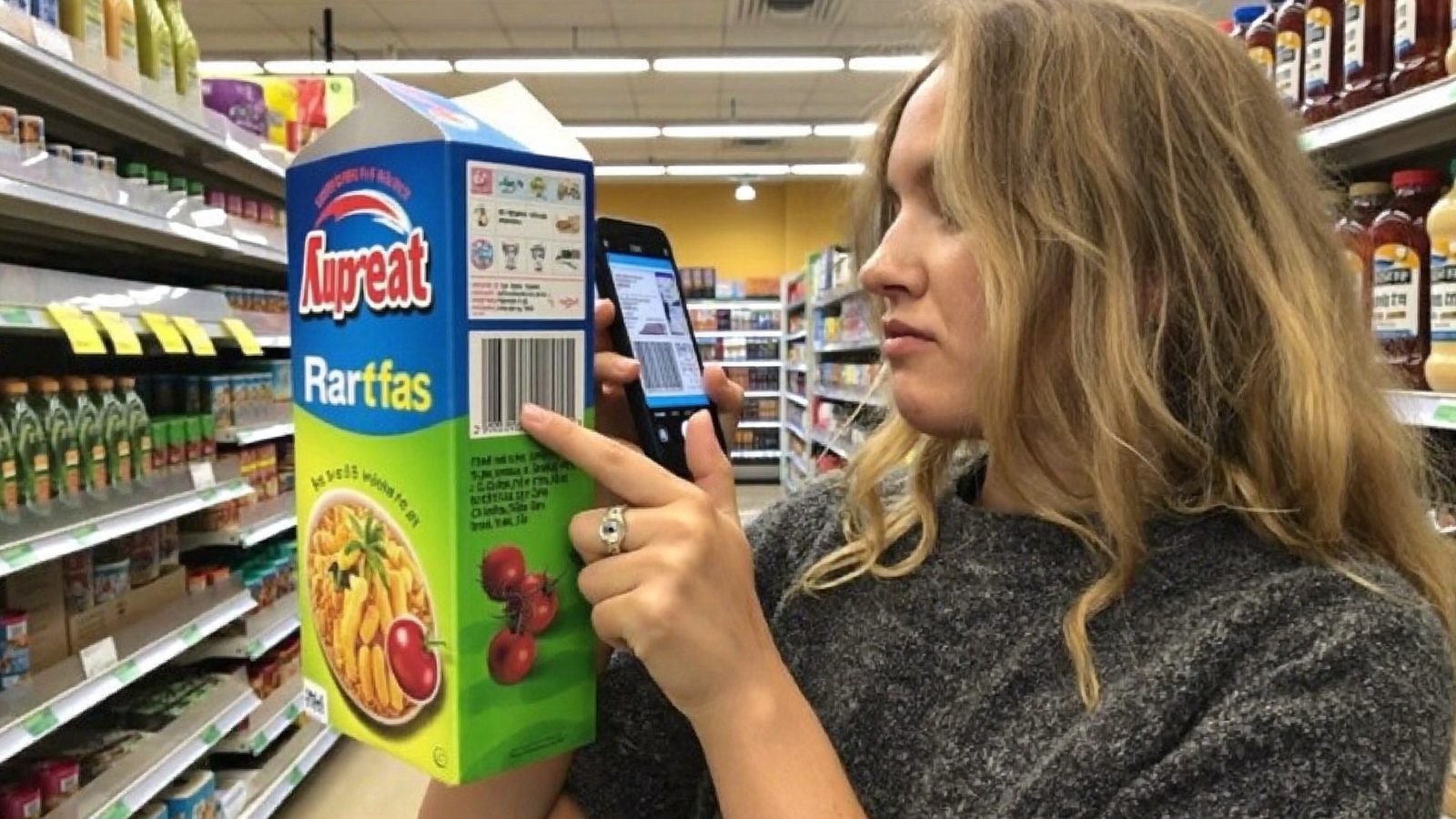
The most accurate barcode scanner app for groceries is the one that resolves your barcodes, names the exact pack you are holding, matches the printed ingredient panel word for word, and publishes how it scores. Test those four things on ten products you already own before you commit.
| What to measure | How to test it | What a good result looks like |
|---|---|---|
| Recognition rate | Scan ten items you own, count how many resolve | At least 9 of 10 on mainstream US groceries |
| Data-match rate | Compare on-screen ingredients with the printed panel | Exact match, including order and sub-ingredients |
| Transparency | Look for a data source or last-updated date | Visible on the product screen, not buried |
| Method | Find the published scoring page | Stated inputs and weightings, e.g. /how-we-score |
| Category coverage | Scan a cosmetic and a supplement | Resolves all three product types, not food only |
Key takeaways
- Accuracy in a scanner app is four separate things: recognition, identification, data match, and a published method.
- A score is an interpretation layered on top of data, so stale data produces confident but wrong numbers.
- Each pack size and market variant carries its own GTIN, which is why some products never resolve.
- Hazard is not risk — exposure and concentration decide risk, so an ingredient flag is a prompt to read the panel, not a verdict.
- Run the same ten products through two apps and record recognition and data-match rates separately.
In this article
What "accurate" actually means in a grocery scanner app
Ask what "accurate" means before you ask which app is best. The phrase hides four separate things, and an app can pass one while failing another.
- Recognition: does the camera read the barcode at all?
- Identification: is the item returned the exact product in your hand, including pack size and flavour?
- Data match: does the stored ingredient and nutrition information match the printed panel word for word?
- Method: is the rating formula published, and applied the same way every time?
A score is an interpretation layered on top of data. If the stored ingredient list is out of date, the score can look confident and still be wrong.
A barcode carries a GTIN — a Global Trade Item Number, the digits printed under the bars. Under GS1 standards, each pack size and each market variant is assigned its own GTIN, which is why a product bought abroad may not resolve on a US-focused app.
No app can be accurate about a product it does not hold. Coverage and data freshness are part of accuracy, not separate from it.
Why grocery scanners get things wrong
Most failures are data problems rather than camera problems.
Reformulation
Manufacturers change recipes regularly. FDA food labelling requirements mean the printed panel has to reflect what is in the package, but the barcode frequently stays the same — so a database entry can lag the shelf.
Stale crowd-sourced entries
Open, user-submitted databases cover an enormous range of products, which is their strength. An entry that was correct when someone added it years ago may never have been revisited.
Store brands and regional SKUs
Private-label and regional items are added late, if at all. This is where most "product not found" screens come from.
Hazard-only ratings
Some apps penalise an ingredient simply because its name appears in the list. Hazard is not risk: exposure and concentration decide risk, which is why regulators such as the European Food Safety Authority assess additives against an acceptable daily intake rather than presence alone.
Scanning conditions
Curved bottles, freezer frost, shrink-wrap glare and dim aisle light all defeat the camera. Wipe the label and tilt the pack before blaming the database.
A ten-product test you can run in your own kitchen
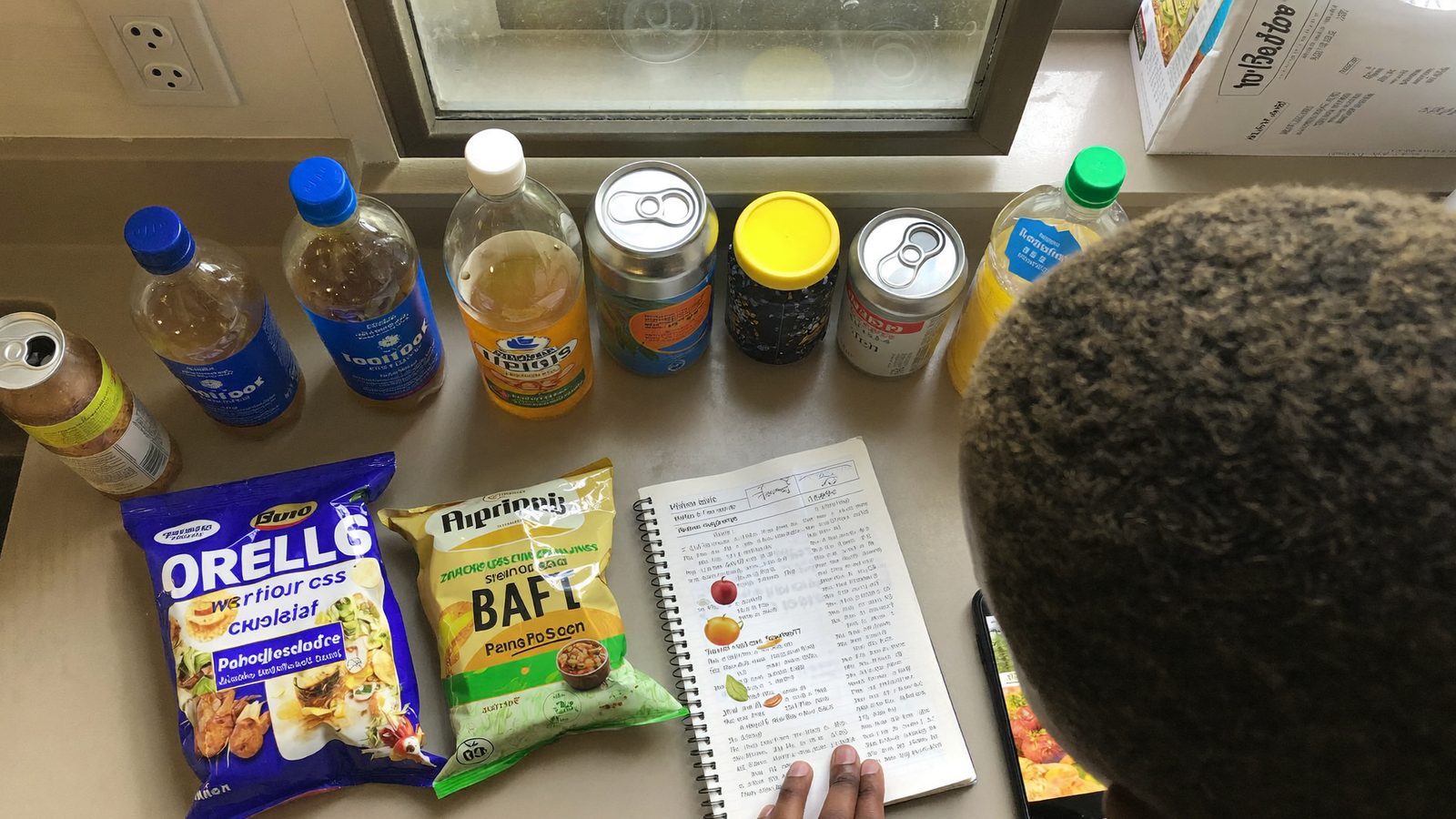
Download counts tell you nothing you can verify. Ten products from your own cupboard tell you a great deal.
- Pick ten items you already own: two mainstream national brands, two store brands, two items tied to a dietary need or sensitivity, two beverages, two snacks.
- Scan each one and record whether the scan resolved at all.
- Record whether the product name, flavour and pack size matched the item in your hand.
- Compare the on-screen ingredient list against the printed panel, line by line. Note any missing or extra ingredient.
- Check whether the app shows a data source or a last-updated date, and whether it offers a way to submit a correction.
Now calculate two numbers separately: recognition rate (how many of ten resolved) and data-match rate (how many matched the panel exactly). Do not judge the app by its health ratings at this stage — you are testing the foundation, not the interpretation.
Repeat the identical ten items in a second app so the comparison is like for like.
How to read a food score instead of just obeying it
A number is only useful once you know what it measures.
Ask first what is being scored: nutrition profile, degree of processing, specific additives, or a blend of all three. Published systems such as Nutri-Score and the NOVA processing classification measure genuinely different things, so their outputs are not interchangeable — cite them as methodologies, not verdicts.
Look for a stated weighting rather than an unexplained figure. If an app will not tell you how it reached 62 out of 100, you cannot check it against the label or against USDA FoodData Central.
Watch for false precision. A two-point gap between two similar products rarely changes anything at the shelf, and treating it as meaningful is a way to be confidently misled.
Use scores to compare products within a category — crackers against crackers — not across categories. Where no reviewed evidence exists for a specific ingredient concern, the honest position is that the evidence has not been reviewed; treat the flag as a prompt to read the panel, not as a safety verdict.
Where ScanVeer fits — and where it does not
ScanVeer was built around the four-part definition of accuracy above, and it is worth being specific about both sides of that.
It is independent by design: brands cannot pay to change a score. That constraint is the reason a number is worth reading at all, and it is the first thing to check in any app you are considering.
One scanner covers food, cosmetics and supplements, so you are not switching apps mid-aisle when you move from the cereal shelf to the vitamin shelf. The reasoning behind every score is published at how we score, including how ingredient concerns are weighted by likely exposure rather than by name alone. When a product scores poorly, ScanVeer suggests a better-rated swap in the same category so you leave with an action rather than a warning.
The honest limits: no database covers every regional or private-label item, some entries are awaiting a data update, and a reformulated recipe can reach the shelf before it reaches any database. Read the panel too.
Choosing the right scanner for how you actually shop
The most accurate barcode scanner app for groceries is partly a question about you, because different shoppers depend on different parts of accuracy.
- Parents reading labels for a household: prioritise data-match accuracy and plain-language ingredient explanations over the look of the score.
- Managing a sensitivity or allergy: prioritise whether the ingredient list is complete and current. A single missing line matters far more than a rating, and the printed panel remains the authority.
- Supplement users: many grocery scanners do not cover supplements at all. Scan three bottles you own before you rely on one.
- Mostly store brands: test coverage on those exact items first, since private label is where databases are thinnest.
Then build one shelf habit: scan, read the panel, compare within the category, decide. If you want a worked example of why the panel still matters, see our guide to hidden sugar names in ingredients.
Test it on your own groceries
Download ScanVeer free and run the ten-product test yourself — scan food, cosmetics and supplements, see the published reasoning behind every score, and get a better-rated swap in the same category.
Download ScanVeerFrequently asked questions
Which barcode scanner app is the most accurate for groceries?
No app is most accurate for every shopper, because accuracy depends on which products you buy. Judge candidates on recognition rate, data match against the printed panel, and whether the scoring method is published. Run the ten-product test above on your own groceries in two apps and compare the numbers.
Why does my scanner app say a product is not found?
Usually the barcode is not in that app's database. Store brands, private label, regional variants and newly launched items are added late or never. Because each pack size and market gets its own GTIN under GS1 rules, an identical-looking product abroad carries a different number entirely.
Why do two apps give the same food completely different scores?
Because they measure different things. One may score nutrition profile, another degree of processing, another the presence of specific additives. Published systems such as Nutri-Score and NOVA are not interchangeable. Different weightings, and different underlying ingredient data, produce different numbers from the same package.
Are crowd-sourced food databases reliable?
They are broad and openly auditable, which is genuinely valuable, but entries age. A record added years ago may predate a recipe change, and nobody is obliged to revisit it. Treat any entry as a starting point and check the printed panel when the detail actually matters to you.
Can brands pay to improve their score in a scanner app?
In some apps commercial relationships exist, so it is a fair question to ask directly. ScanVeer does not allow it — brands cannot pay to change a score. Before trusting any rating, look for a published methodology and a clear statement about advertising and paid placement.